- Sector
- Drinks wholesale · Bologna
- System language
- 中文
Where we started
- Everything lived in Excel files: goods in in one, orders in another, deliveries in a third. Added up different ways, they gave different numbers.
- To know how many cases of a wine were left you had to ask the warehouse, or trust someone's memory.
- No file tracked batches and expiry dates: goods close to expiry were found on the shelf.
Try it yourselfManagement system for drinks wholesale
Made-up data. One wine only, to see the difference: first three Excel files, then the system.
Before: three Excel files
| File | Row | Cases |
|---|---|---|
| Goods in | Prosecco DOC | +24 |
| Orders | Bar Centrale | −6 |
| Deliveries | Bar Centrale | −6 |
| Goods in | prosecco doc 75 | +12 |
| Orders | Trattoria Da Gino | −8 |
| Deliveries | Hotel Arno | −5 |
How many cases of Prosecco are there?
Adding up everything, 11. Counting only orders, 22. Counting only deliveries, 25.
And the warehouse says: “About twenty, I think.”
With the system
Prosecco DOC, case of 6 bottles
17 cases in stock
- Batch A: 5 cases, expires in 2 monthsgoes out first
- Batch B: 12 cases, expires in 8 months
The system warns five, three and one month before expiry.
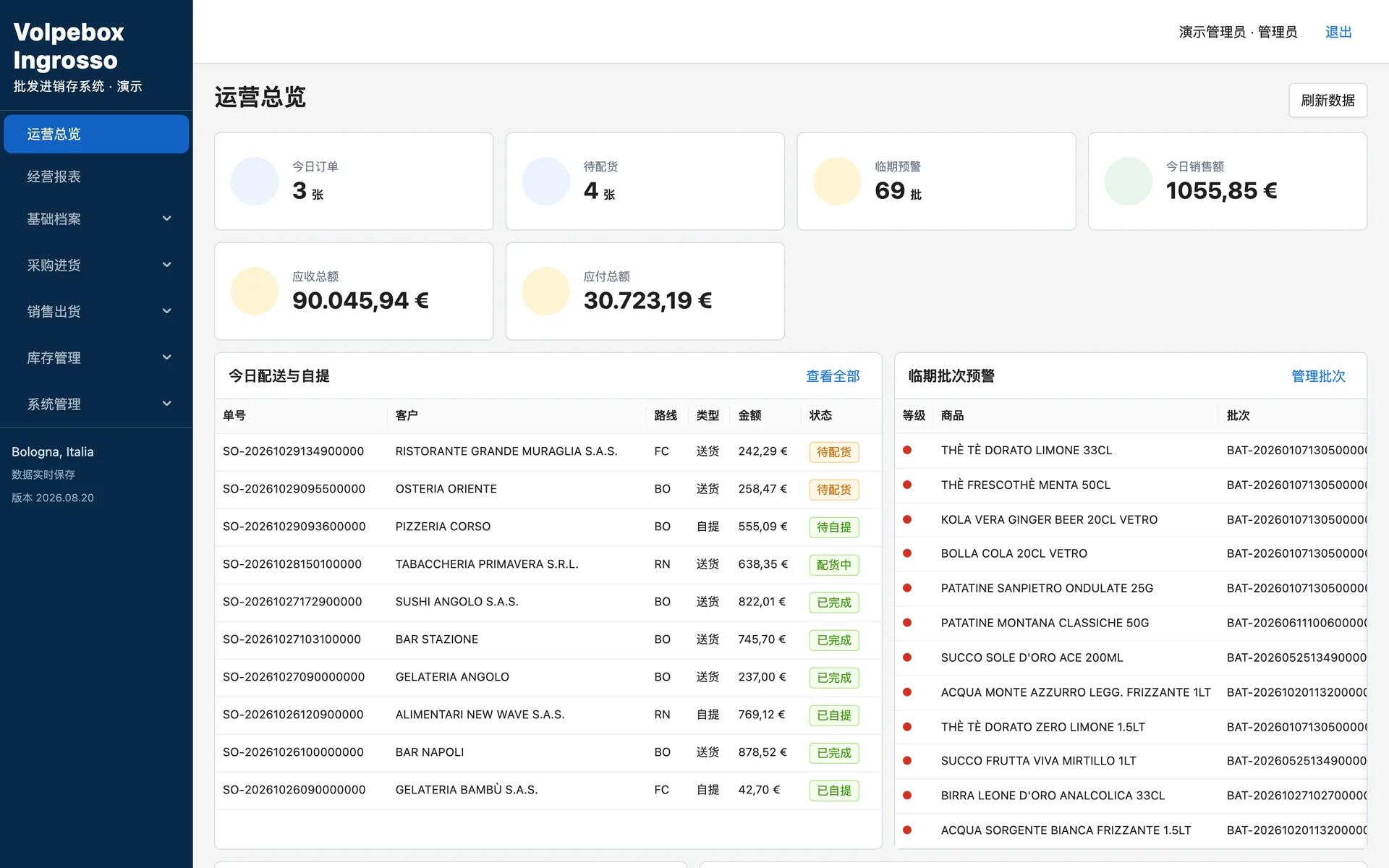
With the system, an order of 6 cases takes 5 from batch A, which expires first, and 1 from batch B. The delivery note is ready to print and 11 cases are left in stock.
What the system does
- Orders with the right price already in: pick-up or delivery, the system chooses, and cases and bottles convert themselves
- The numbered delivery note is ready to print as soon as the order is done, and stock updates itself
- Every delivery in comes with its batch and expiry date: what expires first goes out first, with warnings at five, three and one month
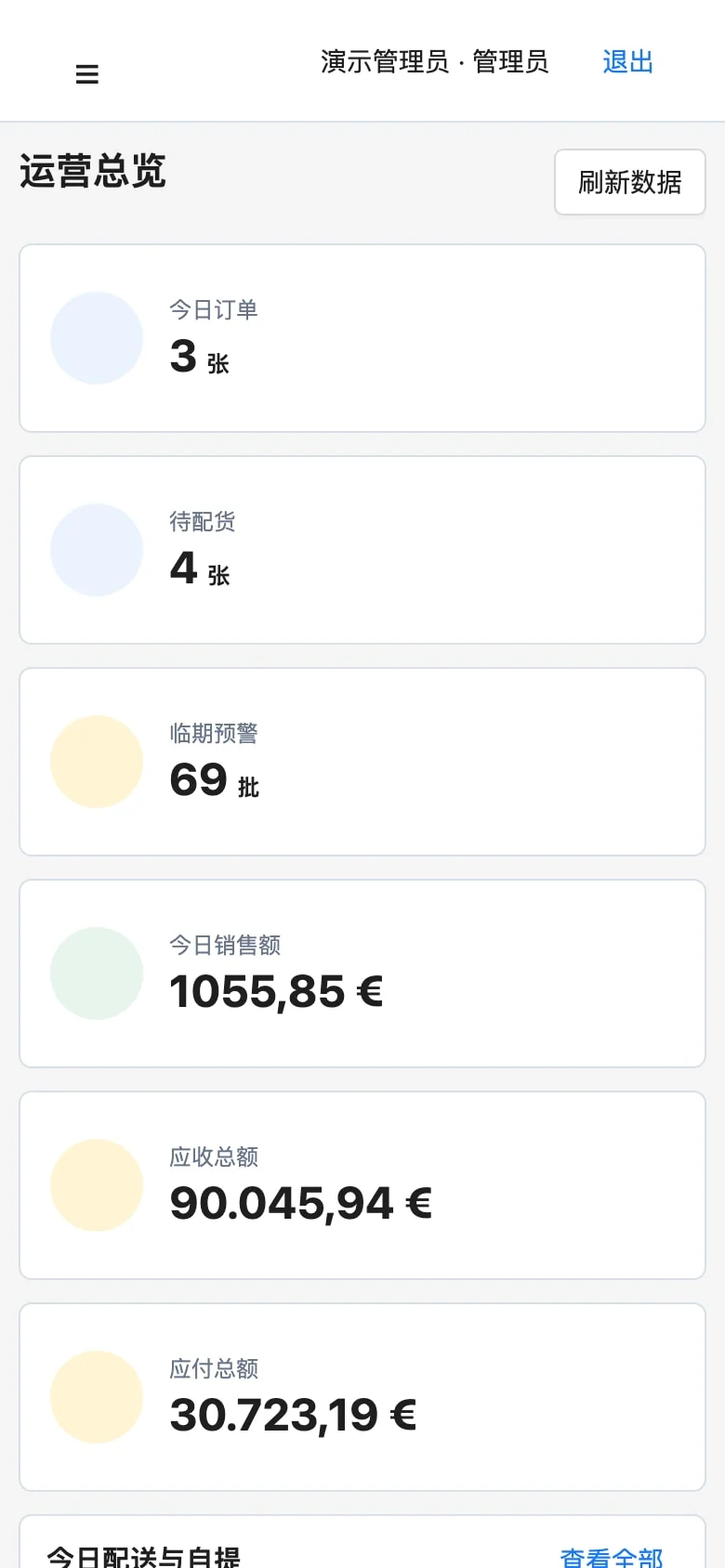
- What customers owe, what is owed to suppliers, and reports on sales, purchases, margins and stock
How we built it
- A system written for selling drinks to bars, restaurants and hotels, with products, customers and suppliers taken from their own data.
- Every stock movement stays on record and can be traced: goods in, sales, breakage in transit, expired or water-damaged goods.
- Stocktaking means counting the shelves: the gap with the system becomes a recorded movement, not a correction by hand.
- Three roles: warehouse staff see goods in and stock, sales staff see customers and payments. Margins and reports only the owner sees.
What you can check
- In use since August 2026, on a server of ours that saves a copy of the database every hour.